chapter 2
Logo, mark and usage
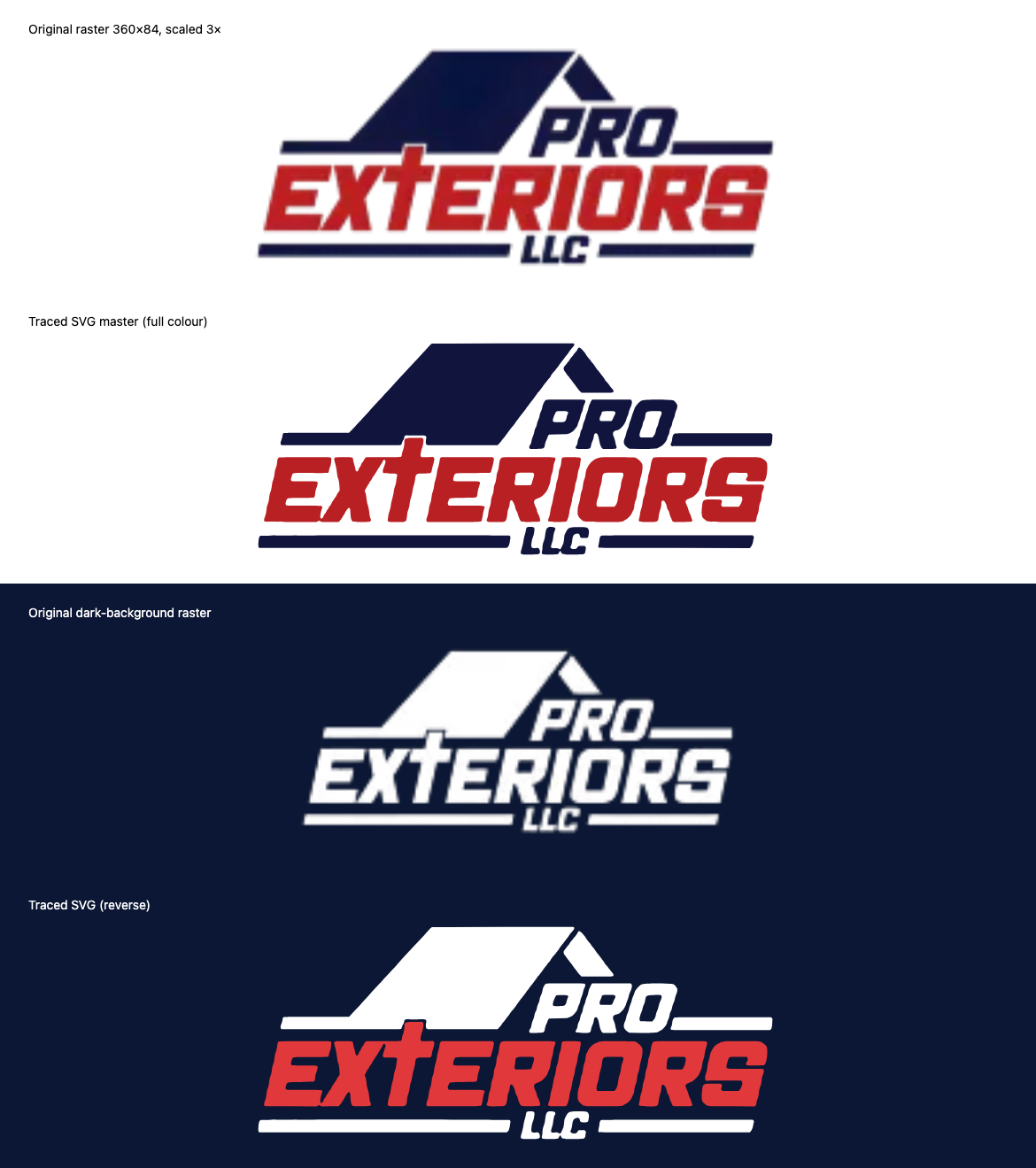
The logo is a roof shape over PRO and EXTERIORS LLC with two rule lines. It existed only as a 360×84 raster, so it was traced to SVG (recommended; awaiting Chris's side-by-side approval: logo/trace/compare.png). The logo keeps its own colours (navy #11153E, red #B92023 measured from the raster) and is never recoloured to the UI tokens.
| File | Colourway | Use |
|---|---|---|
logo/pe-logo-full-color.svg |
Navy + red | White or light backgrounds, the sidebar tile, print |
logo/pe-logo-navy.svg |
Navy | One-colour print, embossing, watermark |
logo/pe-logo-white.svg |
White | Navy or photo backgrounds (matches the company's own dark-background file) |
logo/pe-mark-navy.svg, pe-mark-white.svg |
Roof mark | Where the full logo is under 120px wide |
logo/pe-app-icon.svg + logo/png/favicon-*.png |
Navy tile, white roof, red bar | App icon and favicon (recommended proposal) |
Clear space: the height of the E in EXTERIORS (one third of the logo height) on every side. Minimum sizes: full logo 120px wide on screen, 32mm in print, 2.5in embroidery; below that use the roof mark. Never: recolour to UI navy, add effects, set the wordmark in Inter, place the full-colour logo on navy without the white tile, or stretch it.